
RoofPredict Workflows for El Nino Rain, Flood, and Leak Records
On this page
Short Answer
RoofPredict records for an El Nino rain window should keep four lanes separate: weather context, roof observations, water-source notes, and customer or insurance questions. Service coordinators need that separation because repeated rain creates overlapping calls: active leaks, gutter overflow, ponding water, surface water, closed access, worried customers, and claim questions can all arrive on the same morning.
The record should help a roofing company remember what was reported, what was observed, who owns the next step, and which conclusions are not allowed yet. It should not turn RoofPredict into a forecaster, inspector, adjuster, attorney, engineer, insurer, or safety authority.
Start With The Source Date
Every rain-event record needs a source date field. Without it, a team can accidentally reuse stale weather language after the forecast changes.
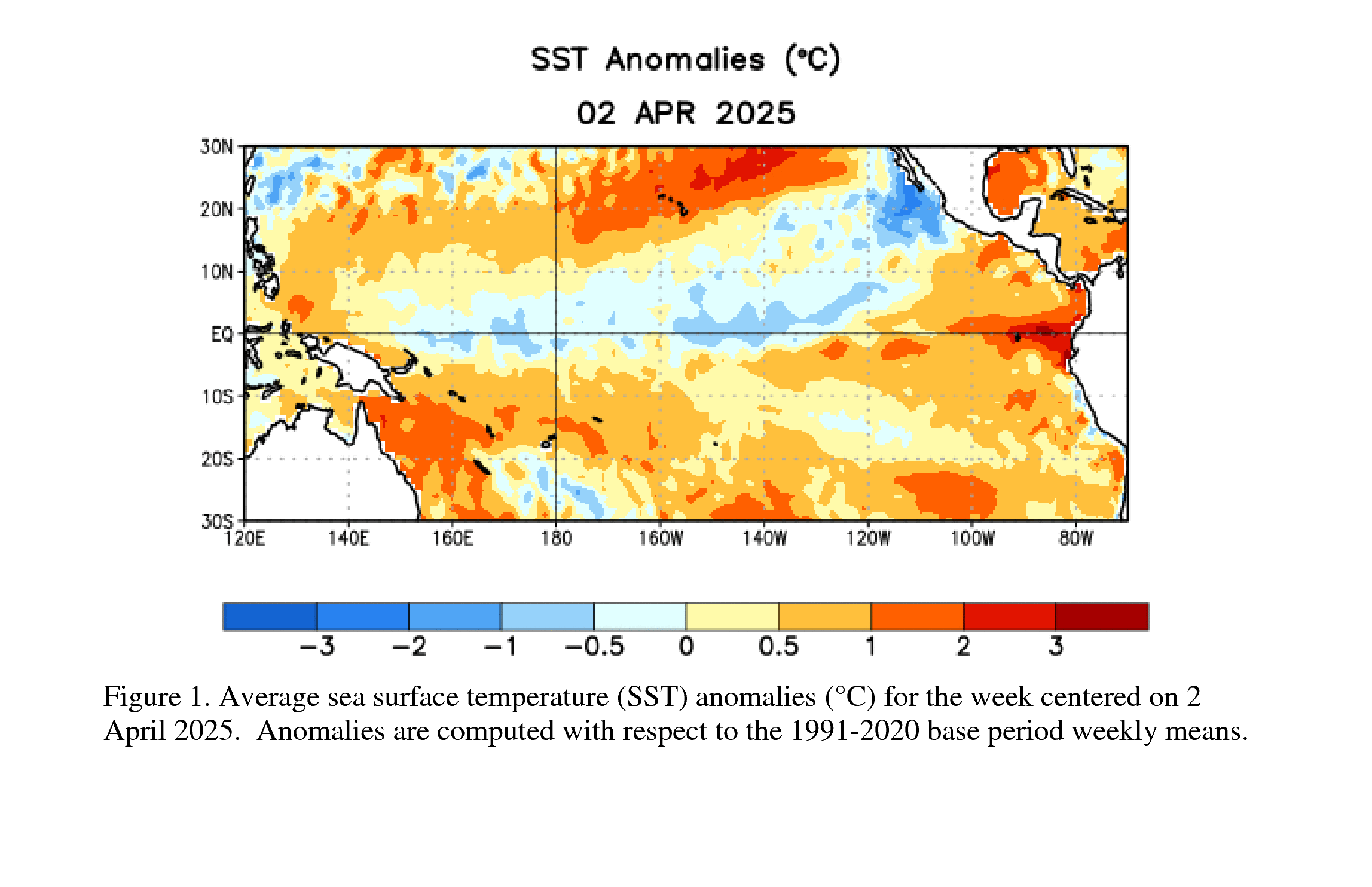
As of June 9, 2026, the NOAA CPC ENSO Diagnostic Discussion showed the May 14, 2026 update: ENSO-neutral conditions continued, an El Nino Watch remained in place, El Nino was likely to emerge soon, and peak strength remained uncertain. That means RoofPredict records can support preparation and monitoring language. They should not label a local leak as El Nino damage.
NOAA Climate.gov supports broad winter precipitation context. USGS supports context around floods, landslides, coastal erosion, and repeated storm effects. Those are planning sources, not job-completion evidence.
The Core Record Architecture
A useful RoofPredict rain record is not one large note box. It is a set of fields that keep the company from mixing weather context with inspection findings or coverage questions.
| Record Section | Field Examples | What It Prevents |
|---|---|---|
| Weather Context | CPC discussion date, NWS alert reviewed, WPC outlook link, local emergency update, rain-event date range | Treating a seasonal signal as property-level proof |
| Customer Report | Water location, active entry, occupancy, prior leak, photos received, access issue | Rewriting a customer statement as a contractor finding |
| Roof/Drainage Observation | Roof type, age if known, drain/scupper/gutter condition, penetration notes, visible interior path | Collapsing drainage, roof, and interior symptoms into one claim |
| Flood/Surface Water Note | Surface water, road flooding, driveway flooding, basement/crawlspace report, floodplain concern | Confusing roof leak documentation with flood-source language |
| Follow-Up | Owner, due date, callback status, inspection status, documents requested, next allowed action | Losing the handoff after the first call |
| Decision Boundary | What was not determined, what needs inspection, what belongs to insurer/agent/engineer/emergency authority | Overpromising cause, coverage, safety, or repair scope |
The most important field is often the last one. A "decision boundary" field gives the team a place to write: cause not determined, coverage not interpreted, access not cleared, safety not assessed, flood source not determined, replacement need not established.
Record The Customer Report Without Upgrading It
Service coordinators should capture customer language without making it stronger. If a homeowner says "the ceiling is wet near the chimney," the record should not become "chimney flashing failed." If a building manager says "water is coming in after the rain," the record should not become "storm damage claim." If a tenant says "the parking lot is flooded," the file should not call it a roof leak.
Good fields:
- Customer-reported water location
- Interior room or building area
- Active water entry now: yes, no, unknown
- Prior leak at same location: yes, no, unknown
- Ground-level or interior photos received: yes, no, unsafe to request
- Customer has spoken with insurer or agent: yes, no, unknown
- Access limitation reported
- Safety concern reported
Bad fields:
- Storm caused the leak
- Insurance-covered damage
- Flood damage confirmed
- Roof replacement needed
- Safe to access
Those bad fields turn a workflow tool into a decision-maker. RoofPredict should help the roofing company preserve facts, not invent authority.
Keep Roof, Drainage, And Flood Notes Apart
Repeated rain creates patterns that sound similar on the phone but require different handling. A low-slope drain backup, gutter overflow, wind-driven rain at a wall opening, surface water at a door, and a roof penetration leak can all be reported as "water coming in."
Use separate note fields:
- Roof observation: shingles, membrane, flashing, penetrations, skylights, vents, seams, roof age, prior repair.
- Drainage observation: gutters, downspouts, scuppers, internal drains, ponding, debris, overflow path.
- Surface water observation: standing water outside, floodwater, road closure, driveway or garage water, basement or crawlspace water.
- Interior observation: stain location, active drip, ceiling condition, electrical proximity, photos, occupant impact.
- Insurance question: customer asked about coverage, deductible, claim timing, adjuster visit, or documentation.
FEMA flood insurance, FloodSmart, and NAIC natural-disaster resources support the need to keep flood and insurance questions separate. They do not let a roofer interpret a homeowner's policy. A clean RoofPredict file should make that boundary easier to maintain.
Follow-Up Ownership Matters
Rain-event records fail when every note is accurate but no one owns the next action. Add ownership fields that force handoff clarity.
Minimum follow-up fields:
- Primary owner
- Backup owner
- Next contact time
- Inspection window
- Access status
- Documents requested
- Customer update sent
- Internal escalation needed
- Closeout condition
Closeout should be specific. "Call handled" is too vague. Better closeout options include: inspection scheduled, photos requested, safety concern referred to emergency/utility guidance, insurer/agent question redirected, access blocked, no active water entry reported, follow-up due after rain stops, or job file ready for field review.
Safety And Access Fields
The record should make unsafe work harder to schedule by accident. NWS flood safety, Ready.gov flood guidance, Ready.gov power outage guidance, and OSHA resources for hurricane response, fall protection, and electrical safety belong in the internal SOP behind the workflow.
Add fields for:
- Floodwater or standing water reported
- Wet electrical condition reported
- Ceiling sag or collapse concern reported
- Downed line or utility hazard reported
- Ladder/roof access unsafe or unknown
- Road, bridge, gate, or driveway access blocked
- Crew dispatch paused pending safety review
The coordinator does not need to diagnose the hazard. The coordinator needs a record that stops normal scheduling when a safety boundary appears.
Local And State Record Variants
Local pages can rank when they carry real local value. A RoofPredict record workflow deserves a city or state version only when the place changes the fields.
Examples:
- Coastal cities may need tide, bridge, bluff, evacuation, and beach-access fields.
- Wildfire-interface markets may need burn-scar, debris-flow, canyon-road, and local emergency alert fields.
- Florida and Gulf markets may need wind-driven rain, tropical rain band, assignment-of-benefits sensitivity, and state insurance regulator links.
- Desert metros may need monsoon burst, flat-roof scupper, dust/debris, and rapid-drainage fields.
- Older Northeast cities may need rowhome, shared-wall, low-slope roof, historic district, and permitting-note fields.
- Mountain or snowbelt markets may need freeze-thaw, ice, rain-on-snow, steep access, and delayed inspection fields.
If the local page cannot name the field changes, it should not exist as a local derivative. Use the national workflow and link to a stronger state market brief.
RoofPredict Product Positioning
RoofPredict should be framed as the place where roofing teams organize records, not the authority that decides what happened. Strong product language:
- "Store source dates, customer reports, photos, access notes, and follow-up ownership."
- "Keep roof, drainage, flood, and insurance questions in separate fields."
- "Create cleaner handoffs between dispatch, inspection, sales, production, and customer support."
Weak or risky product language:
- "Know whether El Nino caused the leak."
- "Predict claim approval."
- "Confirm flood versus roof damage."
- "Determine whether the property is safe."
- "Recommend replacement without inspection."
The better the record architecture, the more useful RoofPredict becomes for roofers without stepping outside its lane.
Internal Links And CTA Fit
This record workflow should link to the rain-event triage queue, roof leaks versus flood damage conversations, gutter overflow calls, flood-risk promise boundaries, atmospheric-river leak demand, burn-scar access planning, coastal storm operations, contractor directory profiles, and state market briefs.
CTA fit is strongest for The Roofline newsletter when the topic is operational recordkeeping during storm weeks, contractor directory pages when buyers care about documentation discipline, and state market briefs when local rules, insurance pressure, access, roof stock, or climate exposure change the fields a roofer should track.
The Roofline by RoofPredict
Stay Ahead of Roofing Market Changes
Join The Roofline by RoofPredict for weekly roofing intelligence: material price signals, storm demand, insurance and regulatory updates, sales tactics, and local contractor opportunities.
Sources
- USGS Science for an El Nino Winter — usgs.gov
- NOAA Climate.gov: How Does El Nino Influence Winter Precipitation Over the United States? — climate.gov
- NOAA CPC ENSO Diagnostic Discussion — cpc.ncep.noaa.gov
- NOAA PSL Atmospheric River Portal: About ARs — psl.noaa.gov
- NWS Flood Safety — weather.gov
- NWS Flood Watch, Warning, and Advisory — weather.gov
- National Weather Service — weather.gov
- NWS Weather Prediction Center Excessive Rainfall Outlook — wpc.ncep.noaa.gov
- FEMA Flood Insurance — fema.gov
- FloodSmart NFIP — floodsmart.gov
- Ready.gov Floods — ready.gov
- Ready.gov Power Outages — ready.gov
- NAIC Natural Disasters — content.naic.org
- FTC How To Avoid Scams After Weather Emergencies and Natural Disasters — consumer.ftc.gov
- OSHA Hurricane Preparedness and Response — osha.gov
- OSHA Fall Protection in Residential Construction — osha.gov
- OSHA Electrical Safety — osha.gov
- RoofPredict — roofpredict.com
Related Articles
Monthly ENSO Briefing Template for Roofing Companies
Use one monthly ENSO briefing to turn official source updates into operations, safety, customer-language, route, and RoofPredict workflow decisions.
How Strong El Nino Talk Can Mislead Roofing Teams
Strong-event language can help planning, but it misleads teams when it turns into storm guarantees, route shortcuts, claim promises, or unsafe customer scripts.
The Difference Between El Nino Risk and Roof Damage Proof
Climate risk can justify readiness, but roof damage proof still needs local storm context, property-specific inspection records, and clear reviewer boundaries.